Step by step: Check missing bank transactions
1. Log in to Aiia
- Go to https://app.aiia.eu and log in.
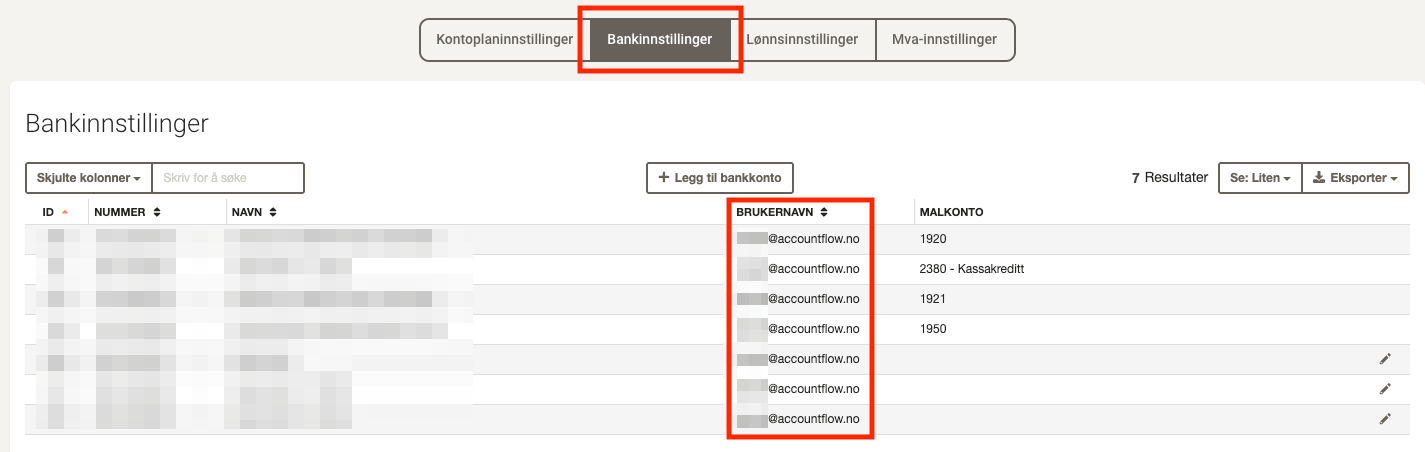
- Note that you need to log in to Aiia with the same user who added the relevant bank accounts in Accountflow. To see the username in Accountflow, go to Settings & Admin > Reconciliation > Bank Settings.
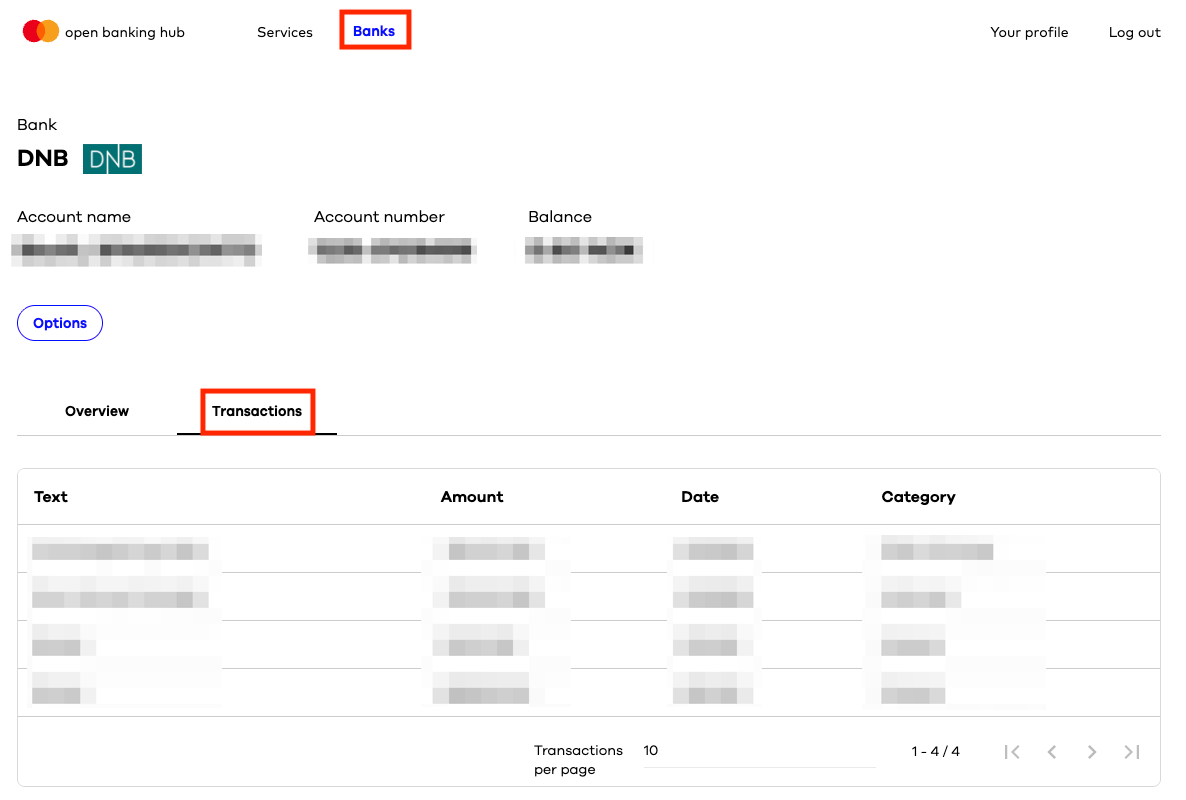
2. Check if transactions are available
- Go to the Banks tab and click on the connected bank.
- Select the Transactions tab to check that the lines exist and are valid.
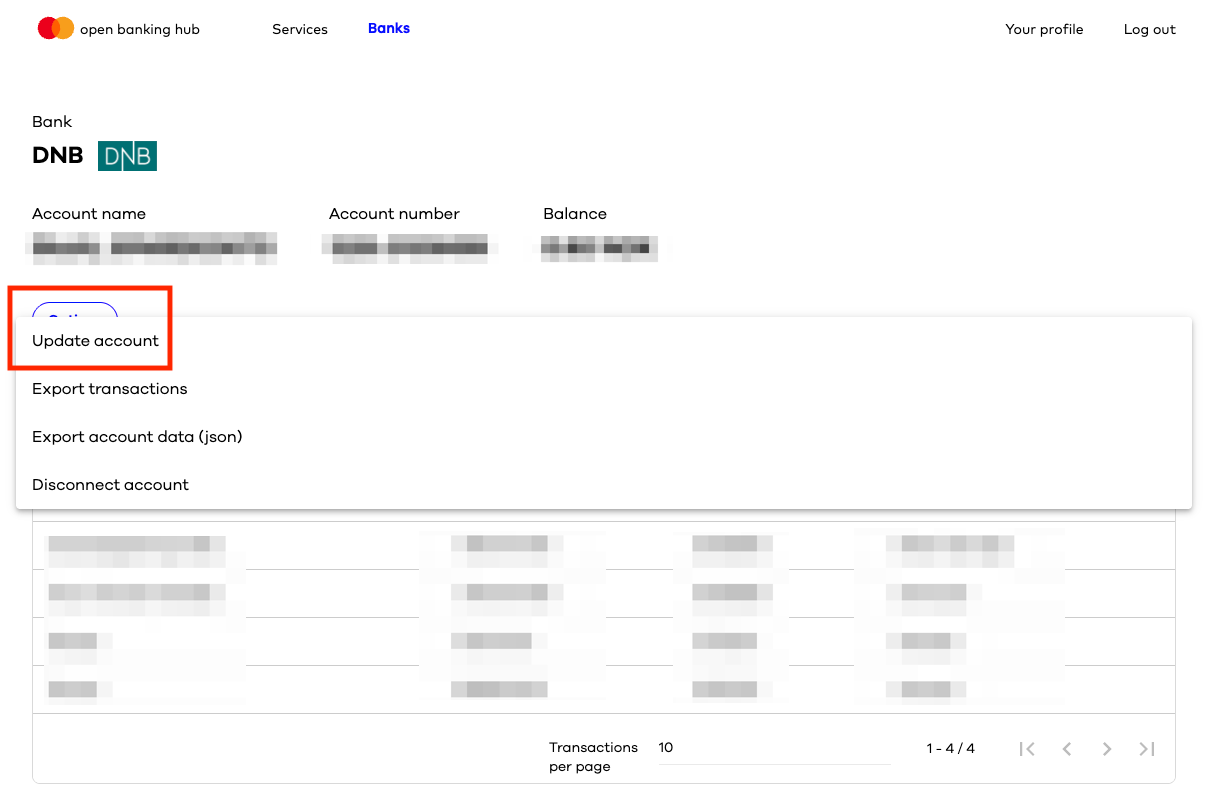
3. Try to update bank data
- Click Options and select Update account.
- Follow the instructions to update bank data.
💡 If transactions still do not appear after updating, you must contact Aiia for further assistance.
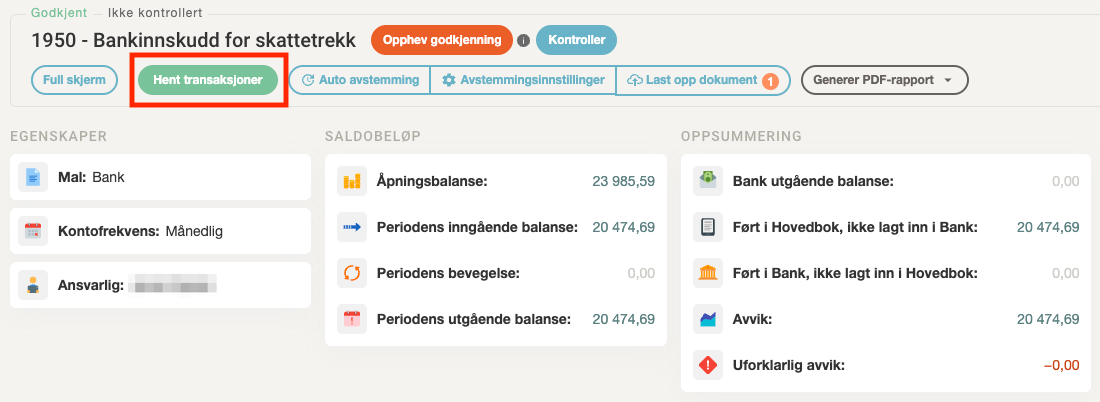
4. Fetch transactions in Accountflow
- Go to Account under Reconciliation in the menu on the left and click into the bank account.
- Click Fetch transactions to retrieve updated data from Aiia.