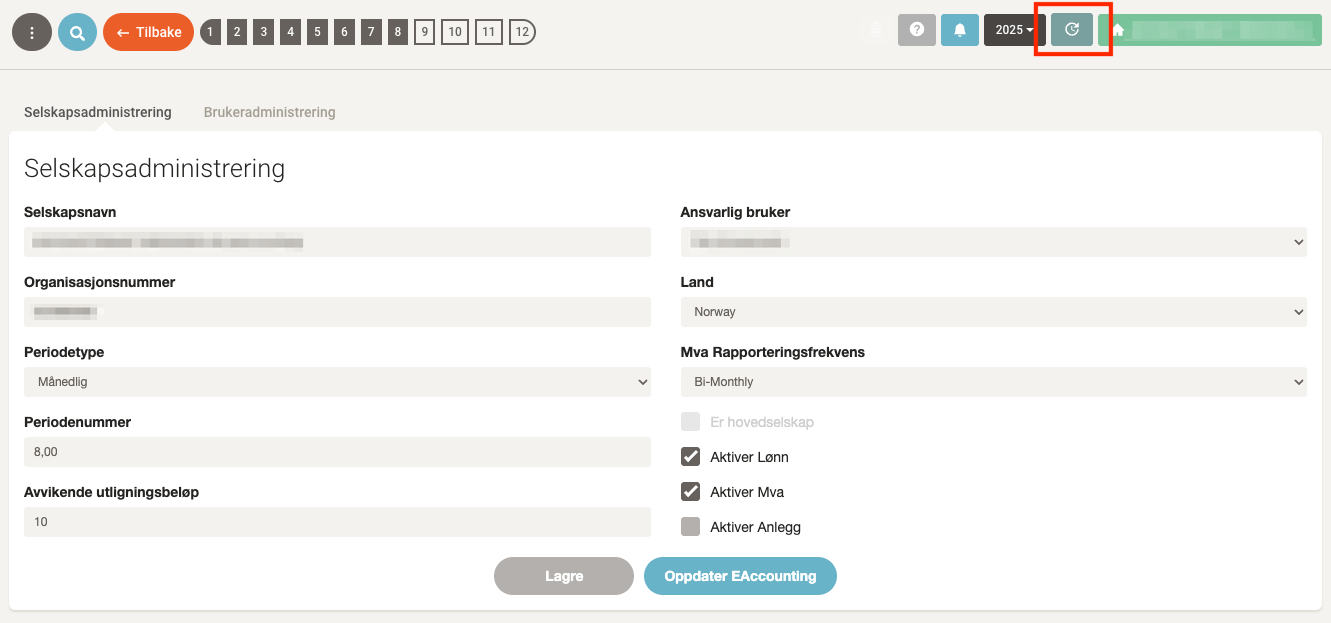
💡 Revalidation may be necessary if the integration between the systems has been broken – for example if access rights have changed, the connection has expired, or data is not updating as expected.
Step by step: Revalidate eAccounting
1. Go to Settings & Admin
- Click General under Settings & Admin in the menu on the left.
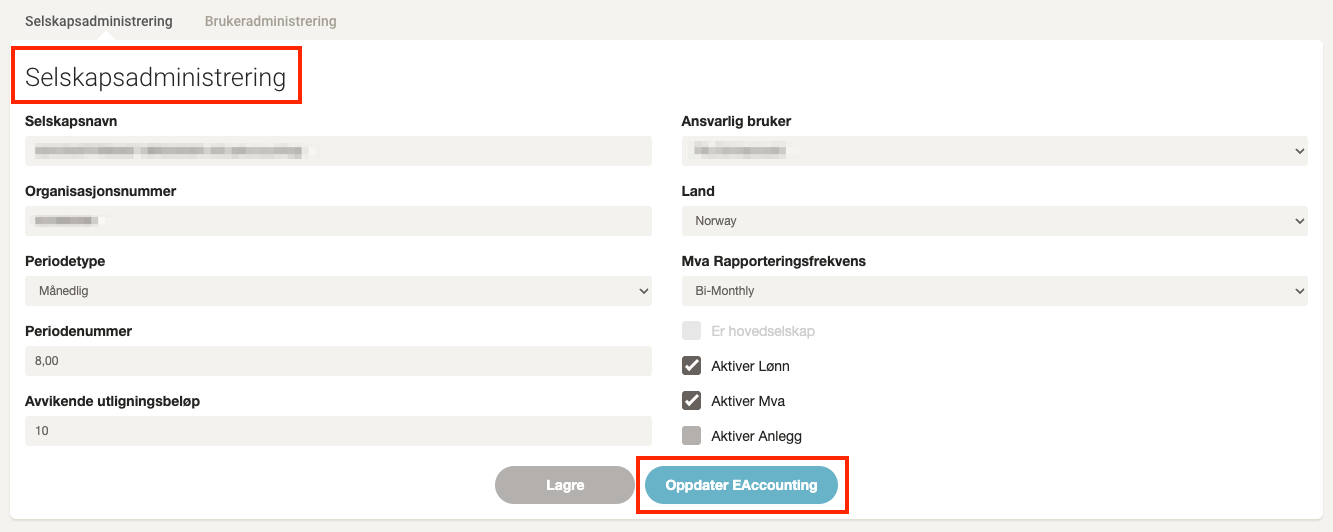
2. Click “Update eAccounting”
- The button is located at the bottom of the Company Settings section.
- You will now be redirected to eAccounting for login.
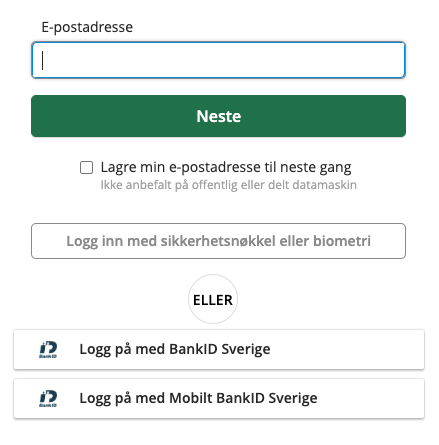
3. Log in to eAccounting
- Enter your user information and complete the login in eAccounting.
4. Go back to Accountflow and update balance data
- Once back in Accountflow, click the Update button in the top right to refresh the balance and fetch the latest data from eAccounting.